
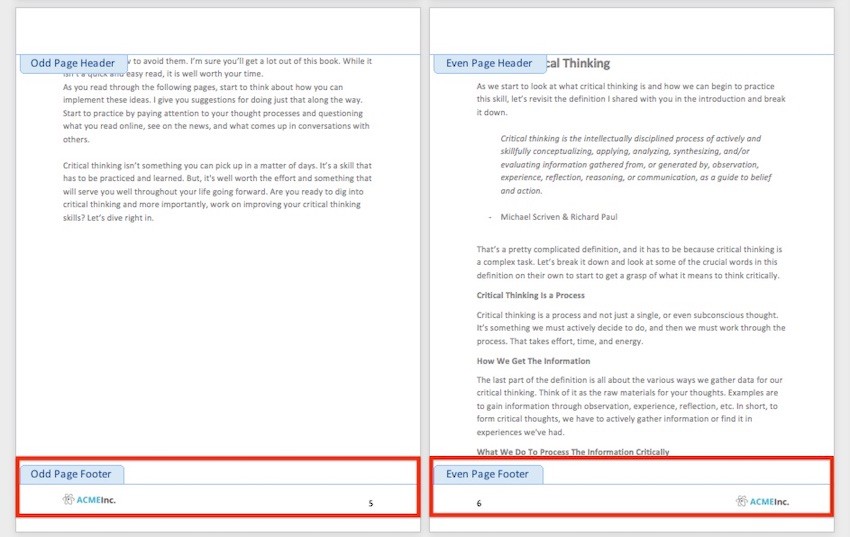
Sometimes you've got to make longer documents—such as business reports, school papers, and book-length materials. Microsoft Word headers, footers, and…
Read More »Microsoft Word
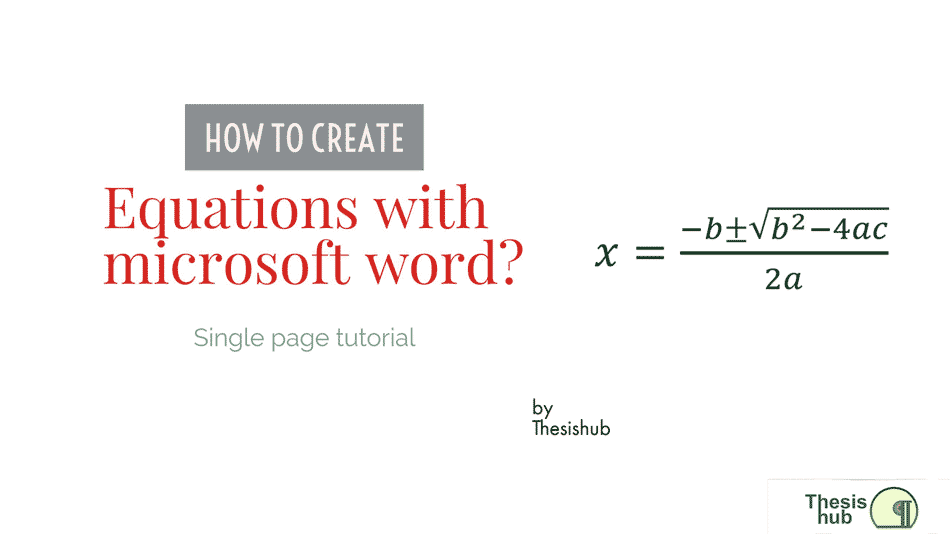
In this single page tutorial we will learn how to create equations with Microsoft Word.
Read More »
I’m going to show you how to use styles in Word 2007, but if you have an older version you’ll…
Read More »
Table of contents are either indented or non-indented. If you know how to create indented tables, then the non-indented tables…
Read More »
Word can automatically generate a Table of Contents (TOC) from your styles, primarily the Heading styles you have used. Although…
Read More »
Adding a landscape page in the middle of a document In order to change any formatting in Word, such as…
Read More »
You may think you know all the Word keyboard shortcuts you need, but check this list first: These 10 will help…
Read More »
When documents grow longer and longer, it can be become increasingly difficult to see the overall structure of your thesis.…
Read More »Let’s distinguish between two types of documents: Short documents ( 30 pages ) Long documents (50 page and above). To…
Read More »
The ribbon in Microsoft Office applications provides access to most major commands and options, but there is another feature…
Read More »